
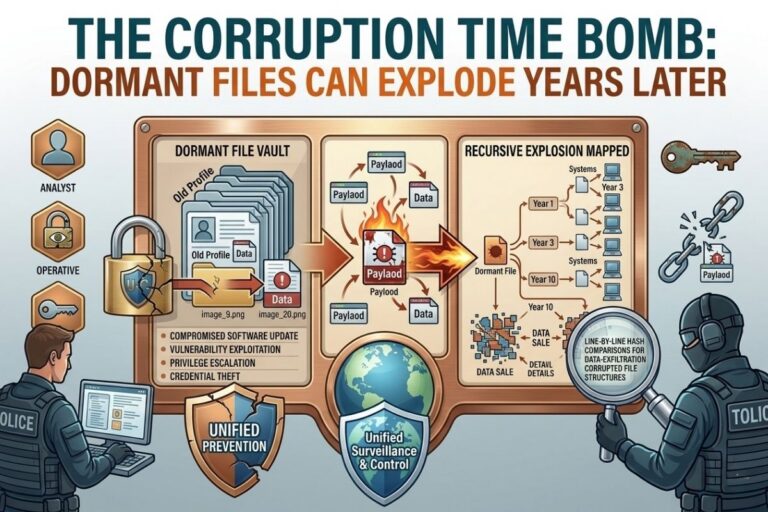
Dormant file corruption is one of the most overlooked cybersecurity risks. In every organization, there are files nobody touches: old spreadsheets, forgotten logs, legacy databases, archived documents. They sit quietly on servers or cloud storage, seemingly harmless. But when combined with updates, automation, or malware, these files can ignite a cascade of corruption that disrupts systems, backups, and workflows — sometimes years after they were created.
At filecorrupter.org, teams can safely simulate these scenarios and understand how forgotten files evolve into digital time bombs.
Quick Takeaway (30-Second Summary)
Dormant files may seem safe, but they can silently harbor corruption that spreads when triggered by updates, scripts, or malware. Key lessons:
- Old, forgotten files can cause system-wide failures
- Backups preserve dormant corruption faithfully
- Automation or system changes can awaken latent errors
- Regular testing and audits prevent hidden disasters
Understanding latent corruption is essential for resilient cybersecurity strategies.
📌 Recommended Reading
When Software “Fixes” the Wrong ThingThe Dangerous Assumption: “Old Files Are Safe”
Organizations often assume:
- Archived files are untouched and trustworthy
- Legacy data won’t interact with current systems
- Backups automatically safeguard all data
Reality tells a different story:
- Outdated spreadsheets can overwrite live data if synced improperly
- Legacy database formats may misinterpret or truncate data in modern systems
- Automation scripts can propagate errors from archived files
Dormancy gives a false sense of security — corruption doesn’t care how old a file is.
In Plain English:
Imagine an old gas leak hidden in your basement. For years, nothing happens. One day, a spark — a system update, automation script, or malware — ignites it. Chaos erupts. Dormant files are the digital equivalent: silent, overlooked, and waiting for the right conditions to cause widespread damage.
Image Steganography Tool
Hide or extract secret data inside images instantly.
How Dormant Files Become Time Bombs
- Legacy Formats: Old file types may not translate perfectly, causing subtle corruption
- Partial Backups: Dormant files copied without verification can silently propagate errors
- Automation Triggers: Scripts processing historical data may spread corruption
- System Updates: New software may misinterpret old files, causing integrity loss
- Malware Exploitation: Attackers can target dormant files, injecting corruption that goes unnoticed
Even files considered harmless can become system-wide hazards.
Lessons Learned
- Audit dormant files regularly — don’t assume old data is safe
- Validate backups — test restoration for integrity, not just presence
- Simulate corruption — platforms like filecorrupter.org safely reveal vulnerabilities
- Train staff to question assumptions — even inert files can carry hidden risks
Latent corruption teaches a crucial lesson: time alone does not guarantee safety.
Q&A: The Corruption Time Bomb
Q1: How can old files suddenly become dangerous?
A1: Dormant files can carry hidden corruption or interact unexpectedly with updates, automation scripts, or malware. Files that worked perfectly years ago can trigger modern system failures.
Q2: Should I delete old files to prevent risk?
A2: Not necessarily. Archival is important for compliance and operations. Instead, validate, test, and simulate corruption before reactivating or migrating files.
Q3: Can backups protect against dormant corruption?
A3: Backups preserve the file as-is. If corruption exists or propagates, it may be silently replicated. Regular integrity checks are essential.
Q4: What tools can help test dormant files safely?
A4: Platforms like filecorrupter.org allow controlled simulations, showing how old files can affect modern systems without risking production data.
Q5: How often should dormant files be audited?
A5: At least annually, or whenever system updates, migrations, or automation scripts are introduced. More frequent audits reduce latent corruption risk.
Final Thought
Dormant files are silent threats. They don’t scream, flash red, or generate alerts — until they explode. By auditing archives, simulating corruption, and validating backups, organizations can detect these time bombs before they disrupt operations.
Filecorrupter.org transforms latent corruption from an unseen threat into a learning opportunity, helping cybersecurity teams anticipate the unexpected and build systems resilient to both old and new dangers.
😄 Cyber Joke
Why was the corrupted file called a time bomb?
Because it waited years before saying, “Surprise! I’m broken!” 😄
Explore More Free Tools
Hash Generator Tool
Generate secure MD5, SHA1, SHA256, and other cryptographic hashes instantly online.
Open Tool →Dummy File Generator
Create sample dummy files of custom sizes for testing uploads, storage, and applications.
Open Tool →Password Strength Checker
Analyze password security and identify weak passwords before using them online.
Open Tool →File Hash Checker
Verify file integrity by checking MD5, SHA256, and other file hash signatures.
Open Tool →UUID Generator
Generate random UUIDs and unique identifiers instantly for apps, APIs, and databases.
Open Tool →Text Diff Checker
Compare two text blocks side by side and quickly detect additions, deletions, and edits.
Open Tool →